
SiteNest — Visual Sitemap Builder
A visual, canvas-based tool for planning a site's structure — pages, connections and rough wireframes — without reaching for a slide deck.
Context
Planning a site's structure usually ends up split across two disconnected tools — a diagramming tool for the sitemap and a slide deck or whiteboard for rough page layouts. Both go stale the moment scope changes. SiteNest set out to put structure and layout on the same canvas.
The Challenge
The product needed to feel as fast and unstructured as a whiteboard while still producing something structured enough to export and hand off. It also had to work for both the big-picture view of the whole site and the detail view of one page's layout, without forcing a mode switch.
Research
Looked at how sitemaps actually get made in practice — usually starting from a blank page and growing organically — and audited existing diagramming tools to see where generic canvas tools broke down for this specific job.
Insights
The key findings that shaped the direction.
A blank canvas beats a template
Templates assume a site structure before you know what you're planning — starting from nothing and letting structure emerge matched how sitemaps actually get built.
Zoom is the real navigation model
The same canvas needed to answer 'what does the whole site look like' and 'what does this one page look like' — infinite zoom did that better than switching views.
Export has to match how the output gets used
PNG for a deck, JSON for a handoff — the two people who ask for a sitemap almost always want it in a different format.
Design Strategy
How decisions were made.
Start from nothing
Built an infinite canvas with no forced starting template, so a project begins exactly as empty as a new sitemap actually is.
Merge structure and layout
Let pages carry both their position in the site structure and a rough wireframe of their layout, on the same canvas, instead of splitting them into separate tools.
Design for two zoom levels
Made the canvas work equally well zoomed out for the full site structure and zoomed in for one page's wireframe blocks.
Export for the request, not the tool
Shipped both PNG and JSON export from day one, covering the two most common reasons someone asks to see a sitemap.
Treat AI as the pair, not the author
Built the canvas, connection and wireframe-block logic with Claude Code as a development partner, while the interaction model itself — what infinite zoom needed to feel like — stayed a hands-on design call throughout.
Solution
An infinite-canvas sitemap builder combining page structure, navigation connections and pre-built wireframe blocks in one tool, exportable as PNG or JSON.
A look at the work.
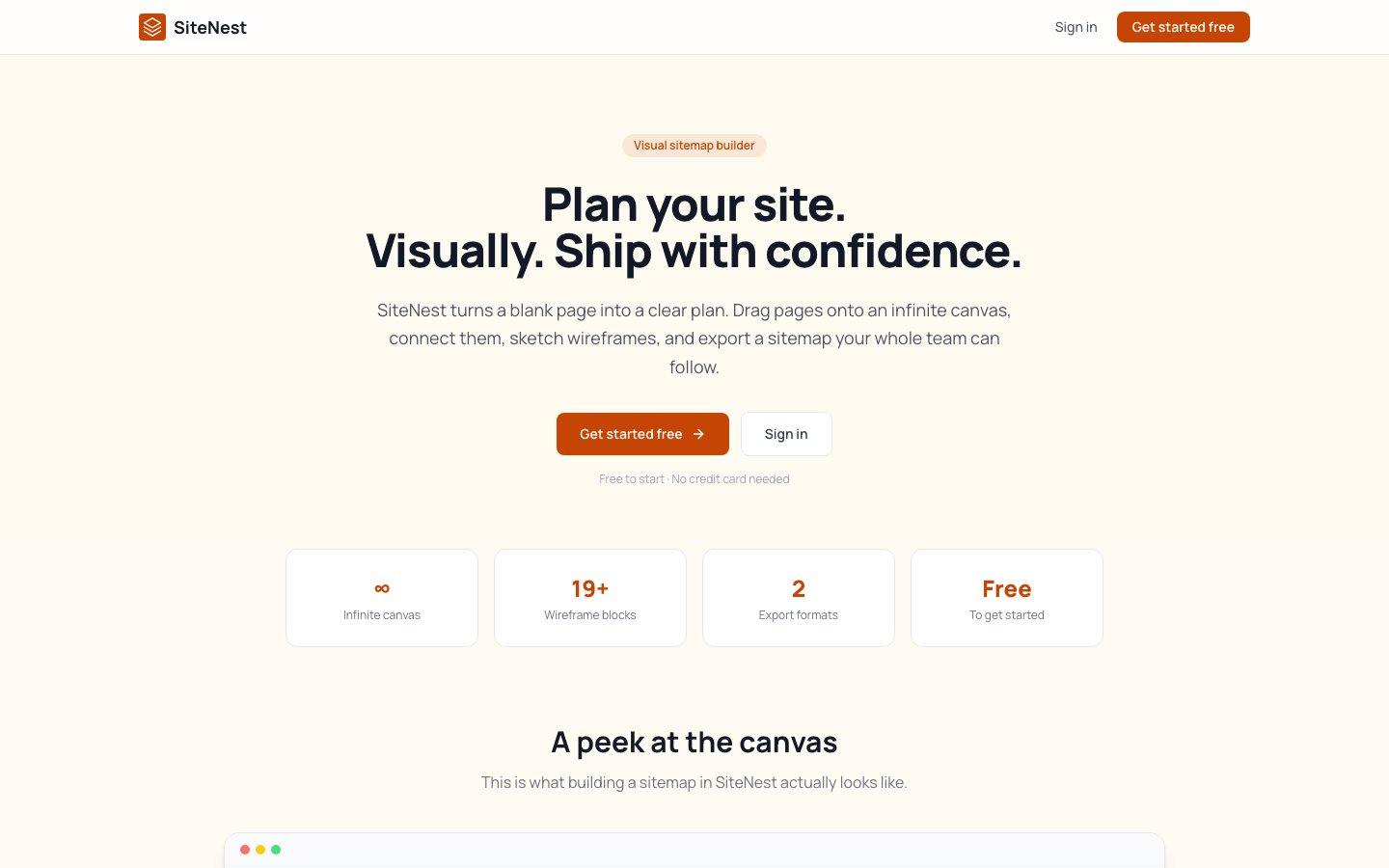
The live product at sitenestapp.vercel.app.
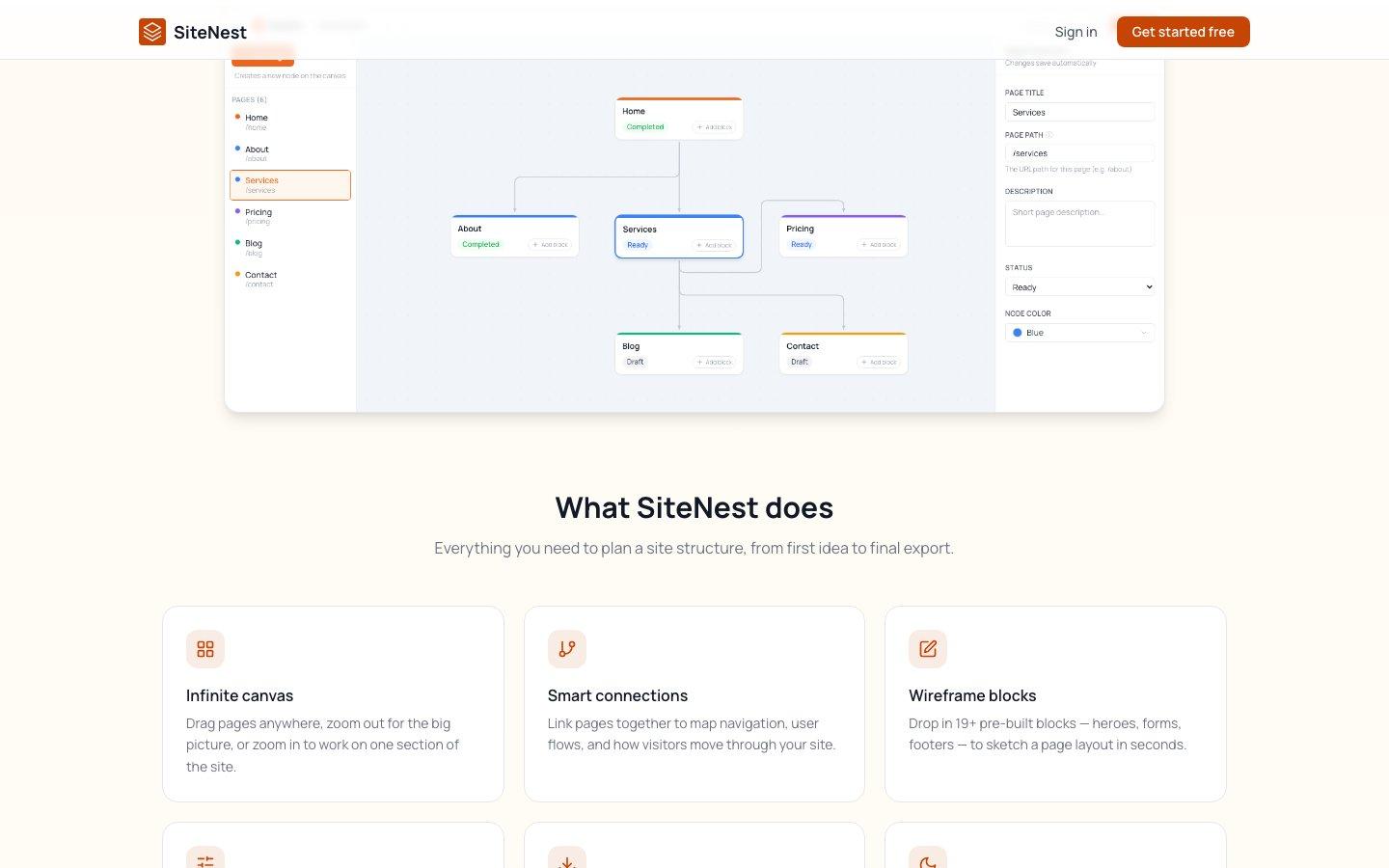
The canvas itself — connected pages, an editable structure, and a live properties panel.
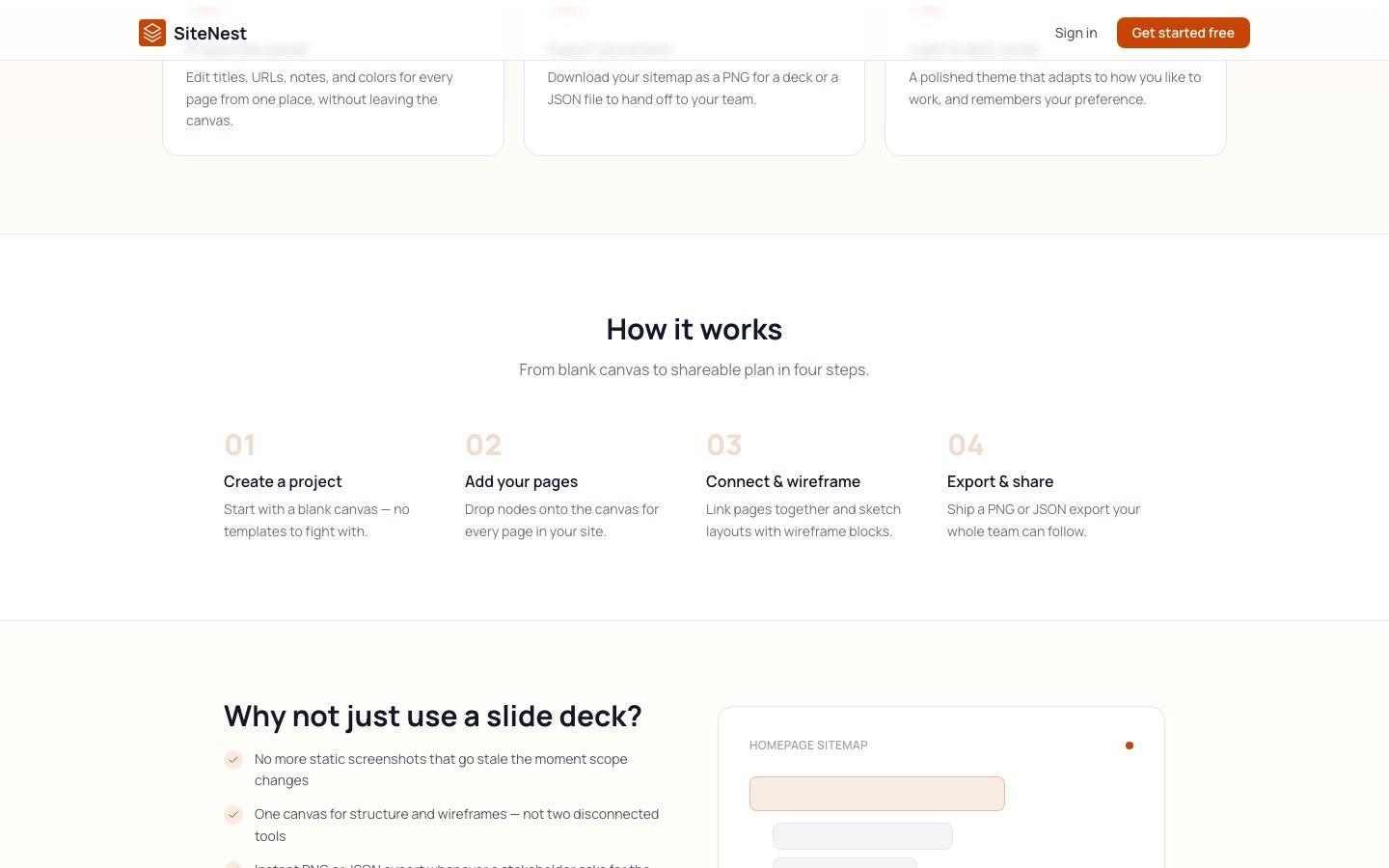
From blank canvas to shareable plan in four steps.
Design System Thinking
This project wasn't designed as a one-off — here's how it connects back to the system.
Components
19+ wireframe blocks — heroes, forms, footers — built as reusable canvas primitives rather than one-off shapes.
Tokens
A light/dark theme system applied consistently across canvas, panels and exports.
Patterns
A connection pattern for linking pages that doubles as both navigation mapping and user-flow documentation.
Governance
Row-level data isolation per project, so every sitemap is private to its owner by default.
Impact
SiteNest shipped as a working alternative to the slide-deck-and-whiteboard combination most teams default to, with structure and layout living on one exportable canvas.
Reflection
The temptation with a canvas tool is to add every feature a generic diagramming tool has. Staying narrowly focused on 'this is for planning a site' — not flowcharts, not org charts — is what kept the interaction model simple enough to actually feel fast.