
Assessly — Online Examination Platform
An exam platform that lets teachers create, share and auto-grade tests without the administrative busywork.
Context
Teachers running tests in a classroom or remote setting typically juggle spreadsheets for rosters, paper or PDF exports for grading, and no easy way to see who has actually attempted a test. Assessly set out to replace that patchwork with a single, lightweight platform built around how a teacher actually runs a test day.
The Challenge
The core tension was keeping setup effortless for teachers while keeping access frictionless for students, without requiring every student to create an account. Grading also needed to feel instant for objective questions while still leaving room for manual judgement on written answers.
Research
Mapped the end-to-end lifecycle of a classroom test — creation, distribution, attempt, grading, review — and audited existing tools to find where they added friction teachers didn't need, like mandatory student sign-up before a test even started.
Insights
The key findings that shaped the direction.
Sign-up was the single biggest drop-off risk
Requiring students to register before taking a test added friction at exactly the moment engagement mattered most — an invite code removed that step entirely.
Grading needed two speeds
Multiple-choice and short-answer questions can be scored the instant a student submits; long-answer questions need a teacher's judgement — the product had to support both without making either feel like an afterthought.
Teachers and students needed different dashboards, not different apps
The same underlying data — tests, attempts, results — needed to be scoped completely differently depending on who was looking at it.
Design Strategy
How decisions were made.
Design around the test lifecycle
Structured the whole product around four stages — create, distribute, attempt, grade — so every screen maps to a moment a teacher actually experiences.
Remove sign-up from the critical path
Replaced student registration with an 8-character invite code, so a class could start a test in seconds instead of managing a roster of accounts.
Grade what can be graded instantly
Built automatic scoring for multiple-choice questions so results are ready the moment a student submits, while routing written answers to a clear manual review queue.
Scope every dashboard to its audience
Gave teachers and students separate, purpose-built dashboards instead of one shared view with permission toggles, so neither audience sees controls that aren't theirs.
Ship the full stack solo, with AI as the build partner
Used Claude Code as a development partner to take the invite-code auth flow and auto-grading logic from design to production, without a dedicated engineering team on the project.
Solution
A lightweight exam platform where teachers create mixed-format tests and distribute them by invite code, with multiple-choice questions graded automatically and submissions organised clearly for manual review.
A look at the work.
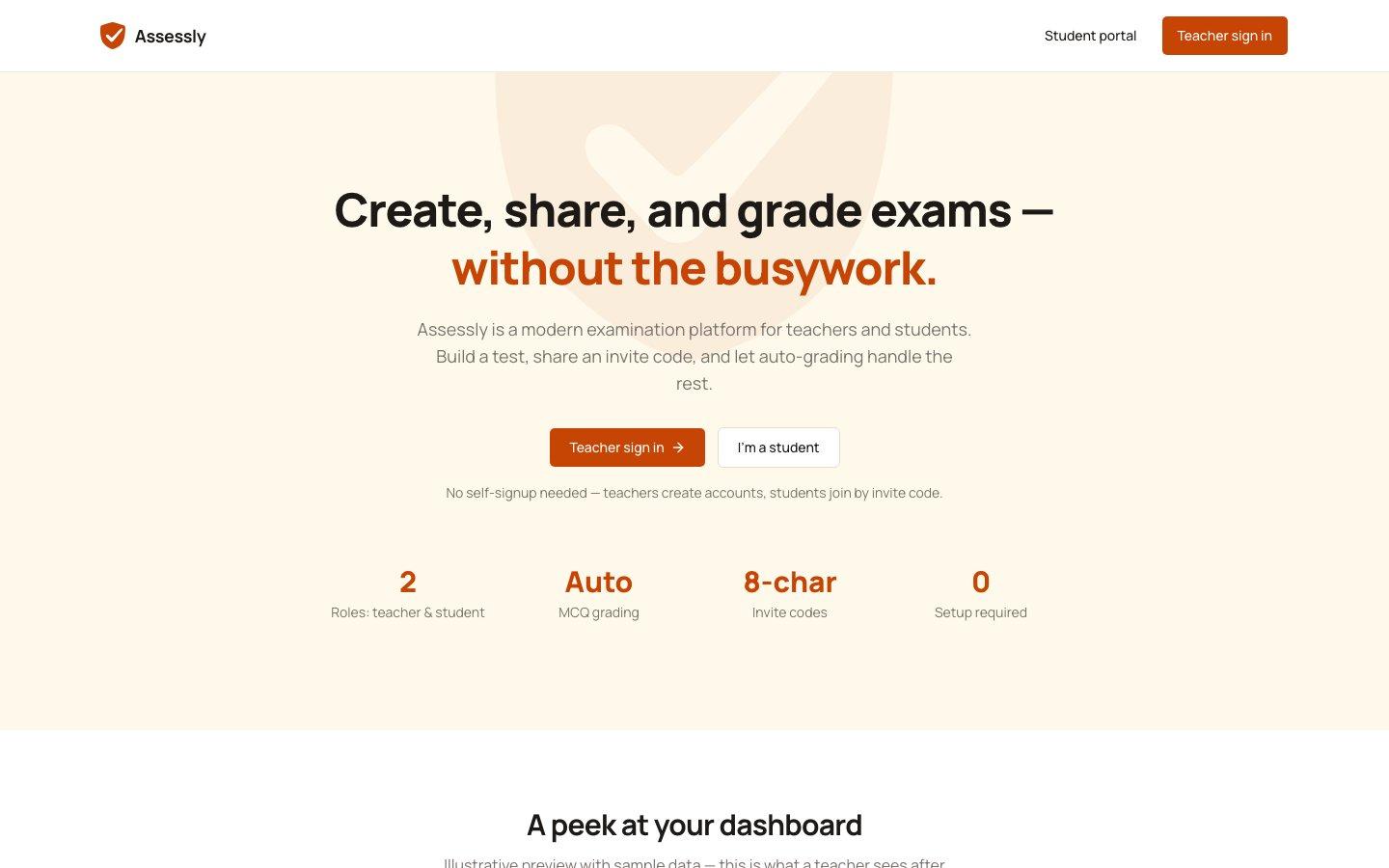
The live product at assesslyapp.vercel.app.
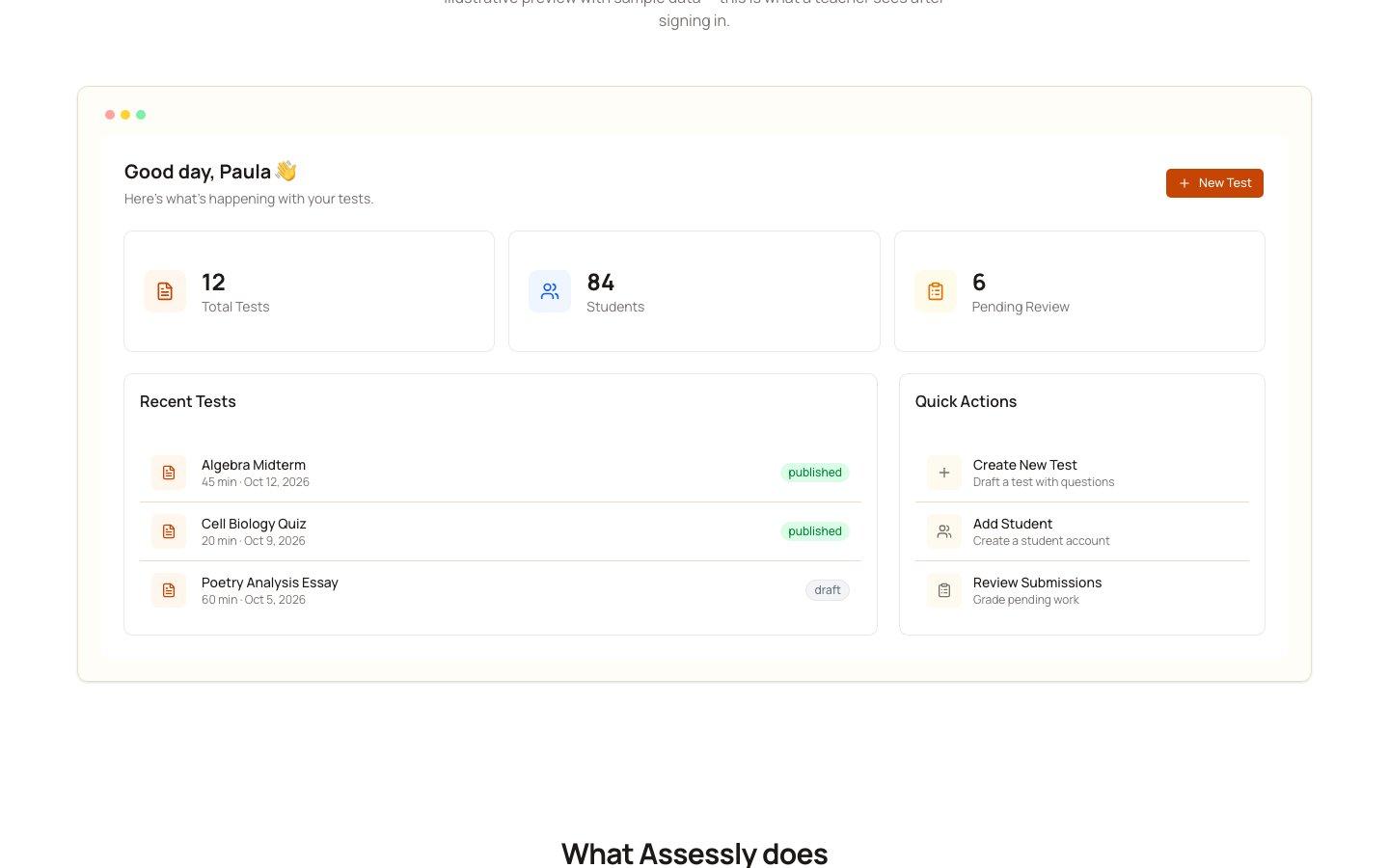
The teacher dashboard — total tests, students and pending reviews at a glance.
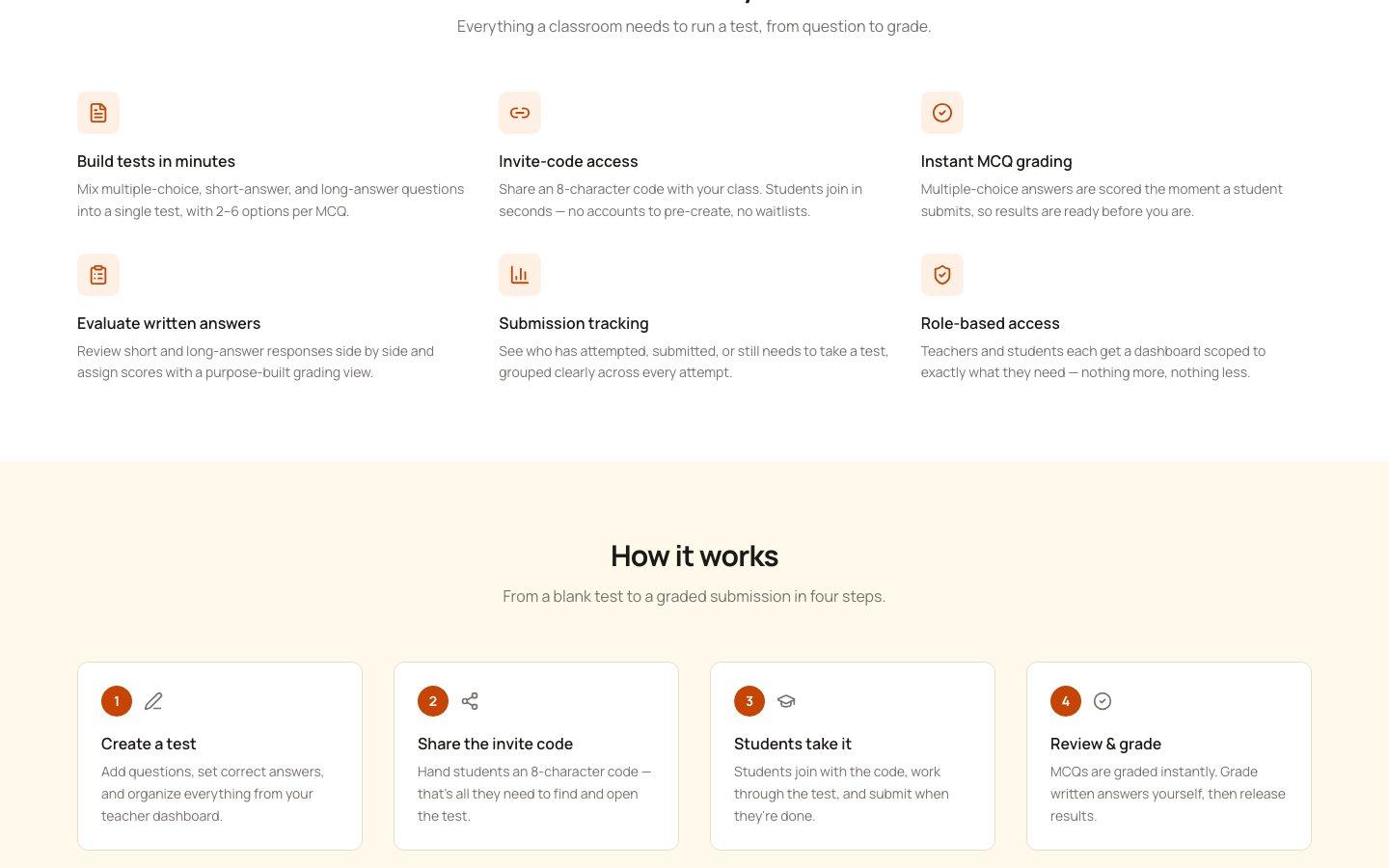
Everything a classroom needs to run a test, from question to grade.
Design System Thinking
This project wasn't designed as a one-off — here's how it connects back to the system.
Components
A reusable set of question-builder components supporting multiple-choice, short-answer and long-answer formats in a single test.
Tokens
A consistent visual language for status — attempted, submitted, graded — reused across every dashboard and list view.
Patterns
An invite-code entry pattern that replaces traditional authentication for the student-facing side of the product.
Governance
A single source of truth for test state — draft, live, closed — that keeps teacher and student views from ever disagreeing.
Impact
Assessly shipped as a working platform that takes a teacher from writing a test to reviewing graded results without the spreadsheet-and-email workarounds most classrooms fall back on.
Reflection
The biggest design decision wasn't a screen — it was deciding what not to require. Every piece of mandatory setup I removed, accounts, rosters, templates, made the product faster to trust on a first use.