
ReqStudio — Project Brief & Requirements Tool
A local-first tool that turns a scattered requirements document into a ten-section guided brief with a live readiness score — so nothing gets built against a brief with silent gaps.
Context
Most project briefs live in a Word document that someone started once, half-filled in, and never went back to finish — which means the people building from it are often working from a brief with silent, undocumented gaps. ReqStudio set out to replace that with a guided, ten-section structure that always knows what's missing, without asking for an account or a server.
The Challenge
The product needed to make an unstructured brief-writing process feel guided without being rigid — supporting unlimited pages and sections filled in any order, while still producing a single, meaningful completeness signal a stakeholder could trust.
Research
Reviewed how briefs actually get written in practice — rarely start-to-finish, usually revisited out of order across weeks — and used that to justify a section-by-section completion model instead of a linear wizard.
Insights
The key findings that shaped the direction.
Briefs get built out of order, not top to bottom
Forcing a linear wizard would have fought how people actually write — stakeholders answer what they know first and leave gaps to fill later, so every section needed to be independently completable.
A single readiness number needs to say what's missing, not just what's done
A percentage alone invites arguments about the number; naming the specific missing sections next to the score is what actually gets a brief finished before it's sent.
Per-page detail is where requirements actually break down
The riskiest gaps weren't in the big-picture goals section — they were in unspecified individual pages, so page-level completeness needed its own bar, not just a rollup into one section.
Design Strategy
How decisions were made.
Structure the brief as ten independent sections, not a wizard
Split the brief into overview, goals, audience, structure, pages, functional requirements, content, technical requirements, risks and approvals — each individually trackable, so a half-finished brief is still a usable brief.
Make the readiness score name its gaps
Paired the weighted overall percentage with an explicit list of which sections are dragging it down, so 'send this brief' becomes a decision backed by specifics instead of a guess.
Give every page its own completeness bar
Broke Page Requirements into per-page cards — purpose, CTA, content needs, components, dependencies, SEO, accessibility, analytics — each scored independently so gaps don't hide inside an aggregate.
Remove the save button entirely
Wrote every keystroke to local storage moments after typing stops, and flushed on tab close, so the product never asks a user to remember to save a brief they were interrupted while writing.
Build solo, with AI as the engineering partner
Designed and built end-to-end using Claude Code as a development partner — from the section-scoring engine to the printable report view — without a dedicated engineering team, while keeping every architectural and UX decision in my hands.
Solution
A local-first project brief tool with ten guided sections, unlimited pages and projects, and a live, weighted readiness score that names exactly what's still missing before a brief goes out.
A look at the work.
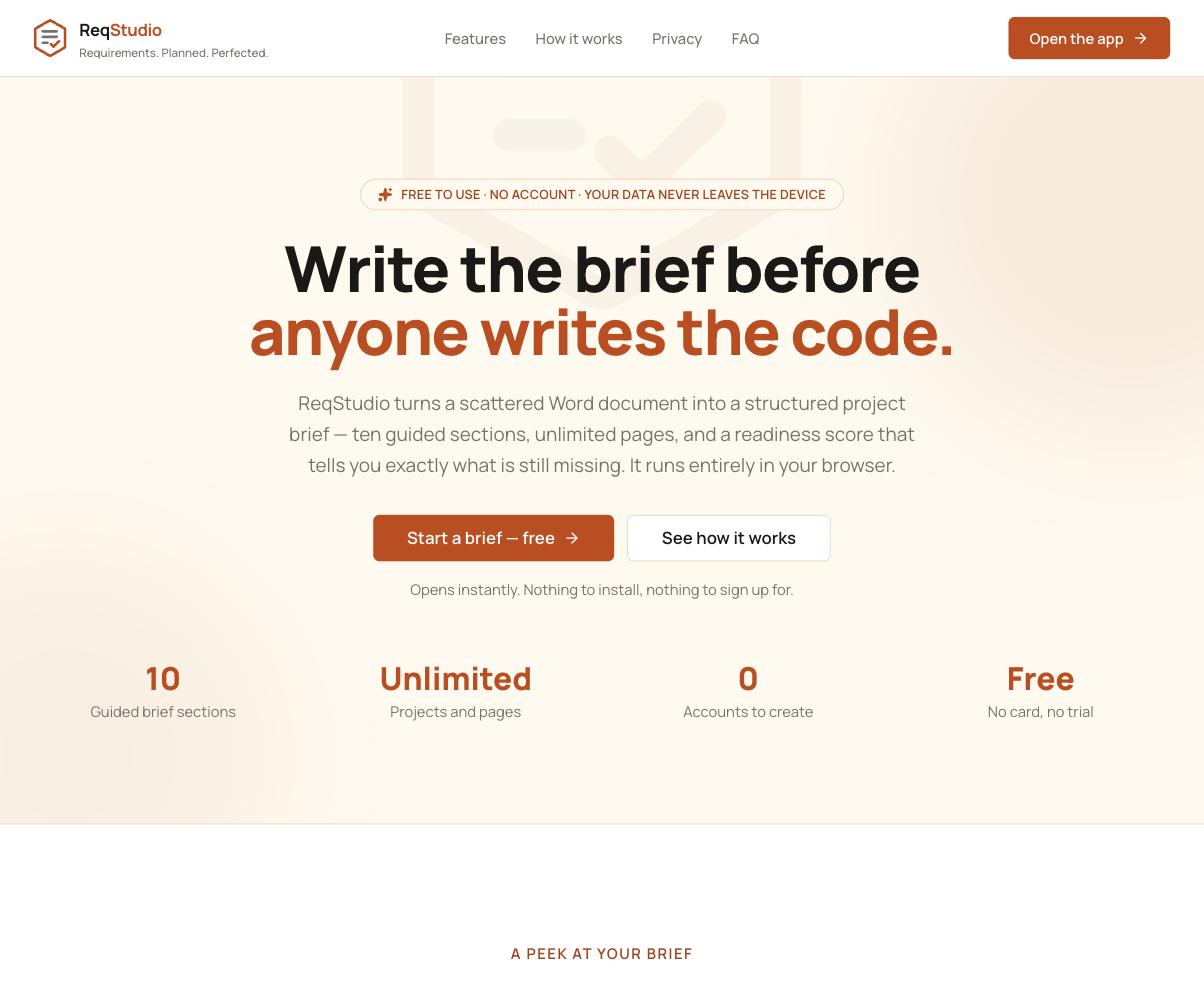
The live product at getreqstudio.vercel.app.
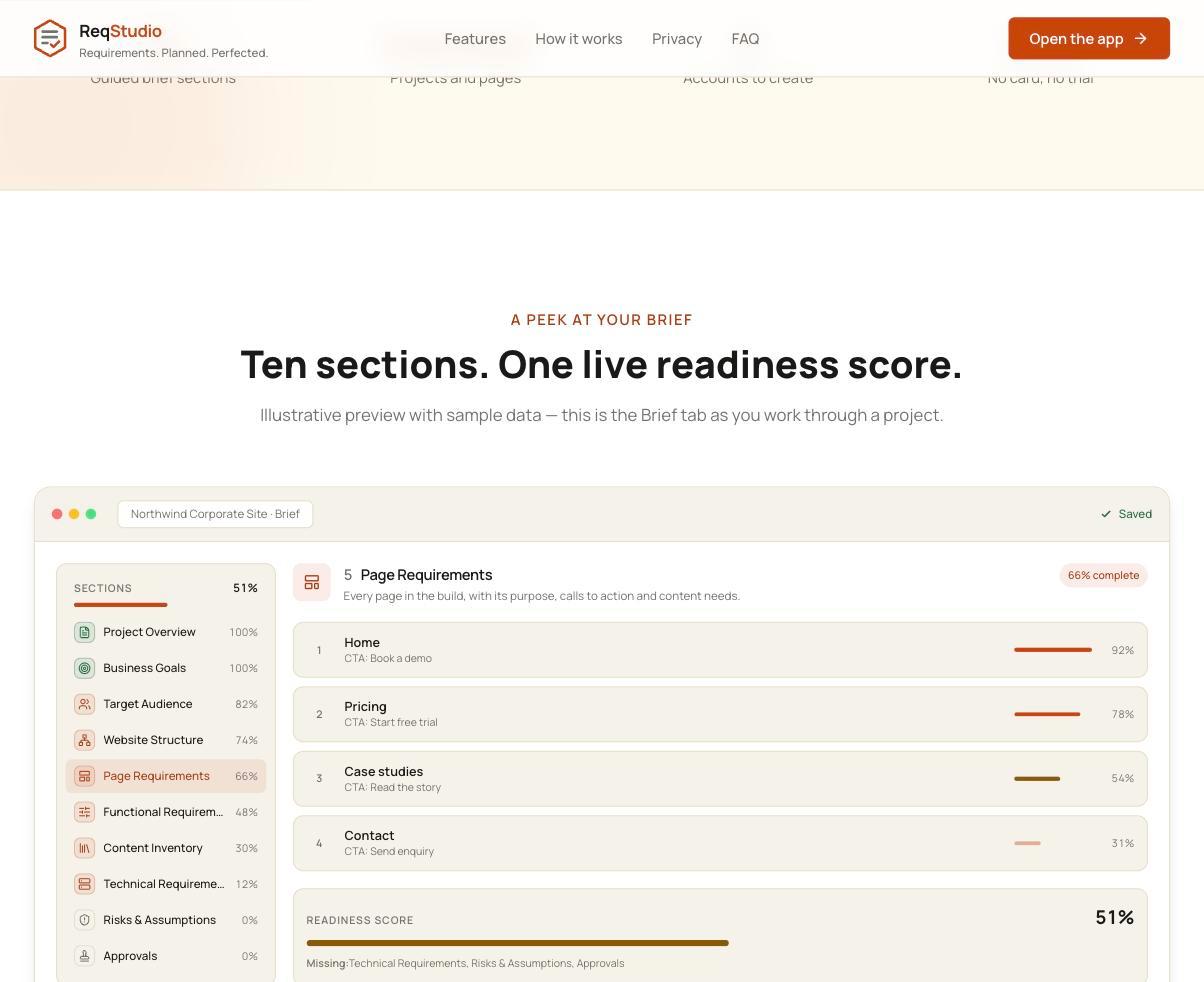
The Brief tab — ten guided sections with per-section completion and a live readiness score.
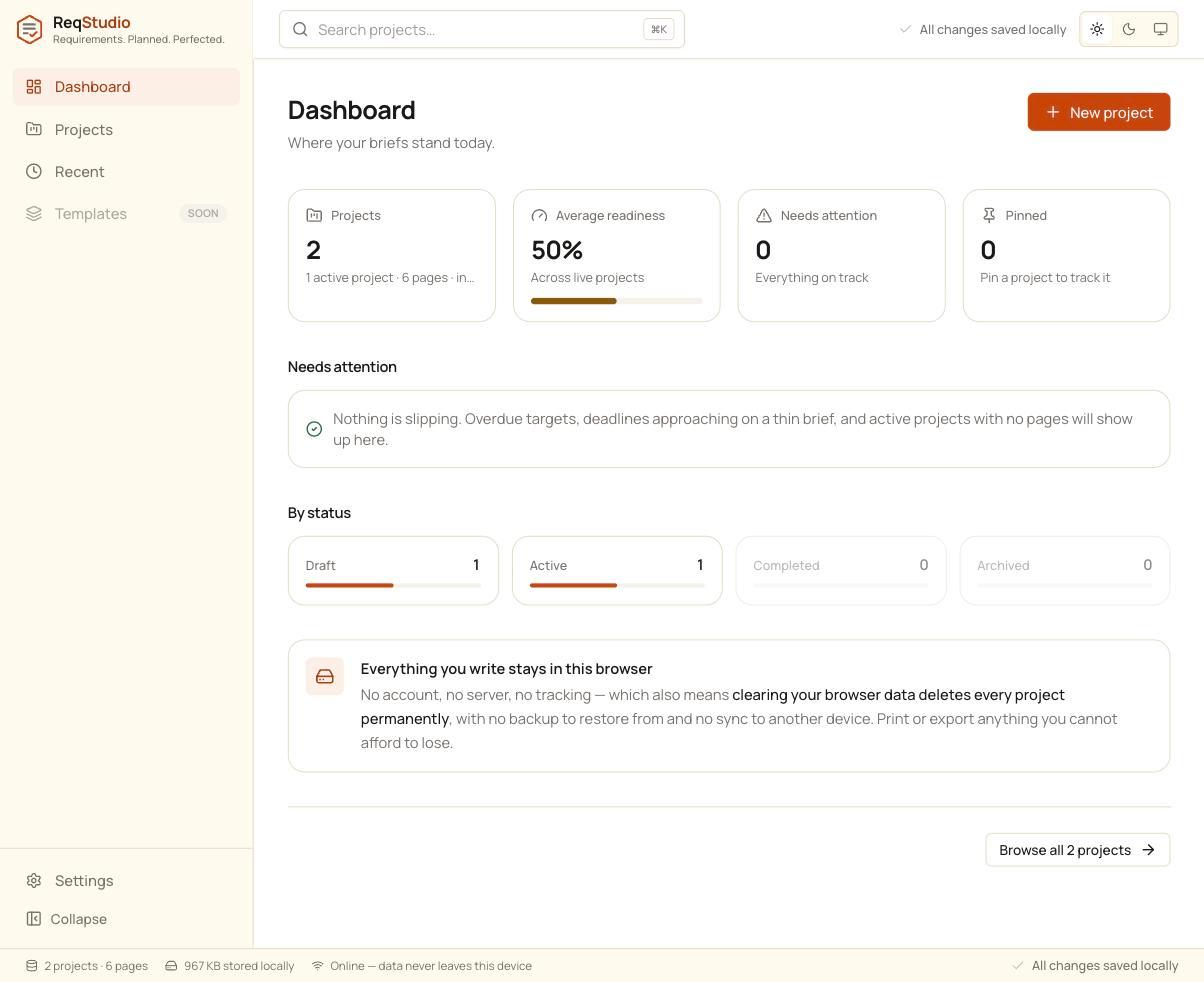
The Dashboard — where every brief's readiness and status stand at a glance.
Design System Thinking
This project wasn't designed as a one-off — here's how it connects back to the system.
Components
A shared completion-bar component (label, percentage, missing-items list) reused across the sidebar outline, section headers and the readiness score.
Tokens
A single progress-color scale — from attention to in-progress to complete — applied consistently across sections, pages and the overall score.
Patterns
A detail-panel-plus-outline pattern shared between the Brief and Page Requirements views, so switching between a section list and its content stays consistent.
Governance
Fully client-side storage in IndexedDB — client budgets, deadlines and commercial goals never leave the device, by architecture rather than policy.
Impact
ReqStudio shipped as a structured alternative to the scattered brief documents most projects start from, giving anyone writing a brief a live signal for whether it's actually ready to hand off — not just a document that looks finished.
Reflection
Designing the readiness score was a lesson in resisting false precision — early versions tried to be too clever about weighting, and the version that actually shipped is simpler and more legible because it names its gaps in plain language instead of just producing a number.